
345+ hands-on deployment labs, 520+ module configuration guides and 40+ certification study guides, all published at docs.radmodules.dev.
Three separate bodies of writing, each with a different job. All of it is public, none of it is behind a sign-in.
One for each of the 345+ application options. A lab takes you from an empty project to a running, verified workload, then through day-2 operations and a clean teardown.
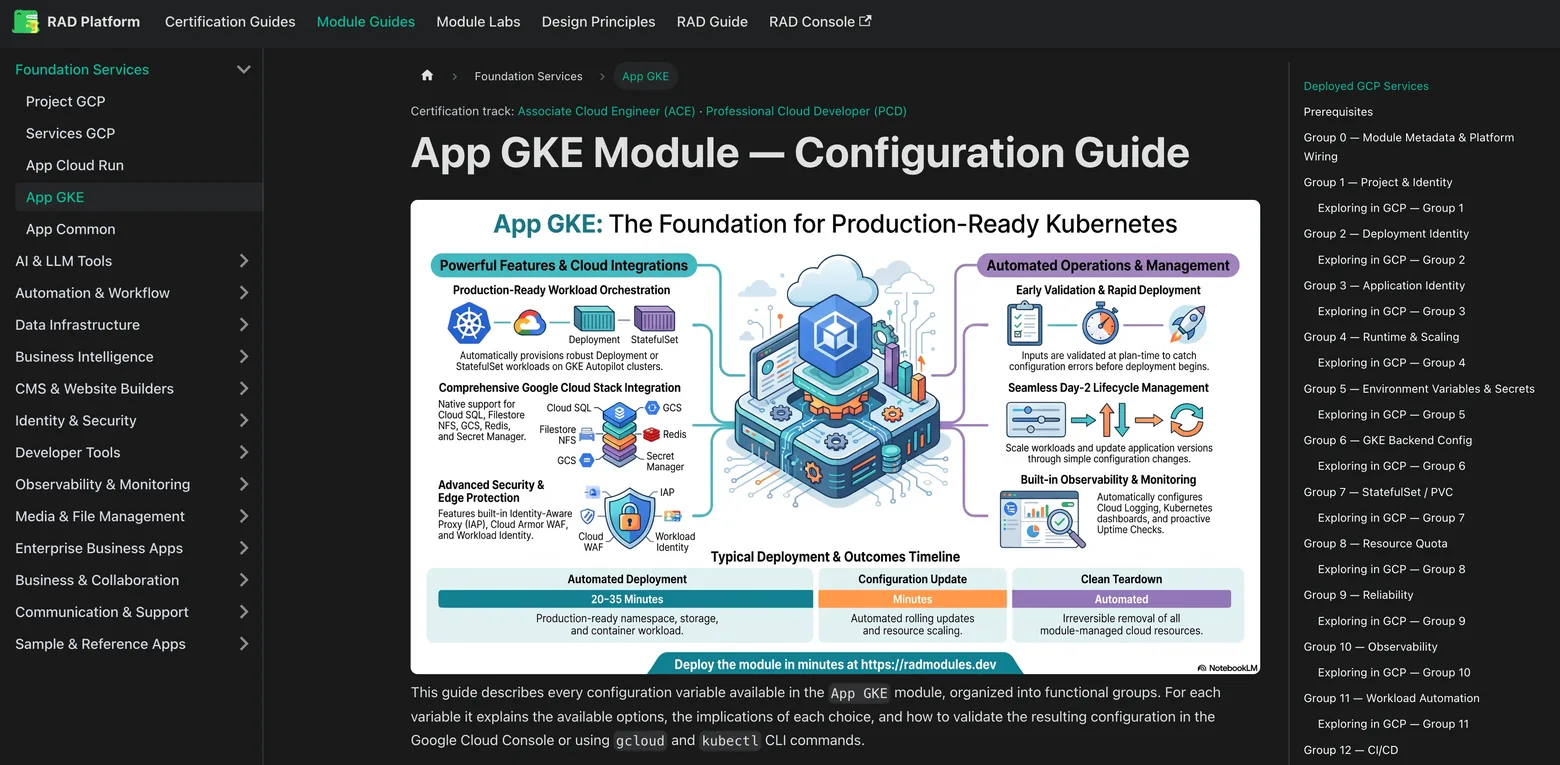
One for each of the 345+ application options, plus 175+ shared application-layer guides. They document the services a module provisions and configuration options.
Study material aligned to Google Cloud certifications, written against foundation modules you can deploy. The revision and the practice are the same environment.
Those counts cover the 345+ application options. The other eight — the migration, service-mesh and reference-architecture modules RAD publishes itself — carry a configuration guide and a lab each in the public repository, rather than on the documentation site.
Every lab follows the same shape, so once you have done one you know where to look in all of them.
Stated at the top of every lab, before you commit an afternoon. The Elasticsearch on GKE Autopilot lab, for example, estimates 45–90 minutes.
What you will be able to do at the end, what has to exist first, and which shell variables the rest of the lab reuses.
The deploy step runs through the RAD form; the verify step is command line. You end holding a real endpoint and a health response.
Inspect, scale and update the workload; read its logs and metrics in Cloud Logging and Cloud Monitoring. This is the part most tutorials stop before.
The failures that actually happen on that module, with their causes — then how to destroy everything you created. Nothing is left running by accident.
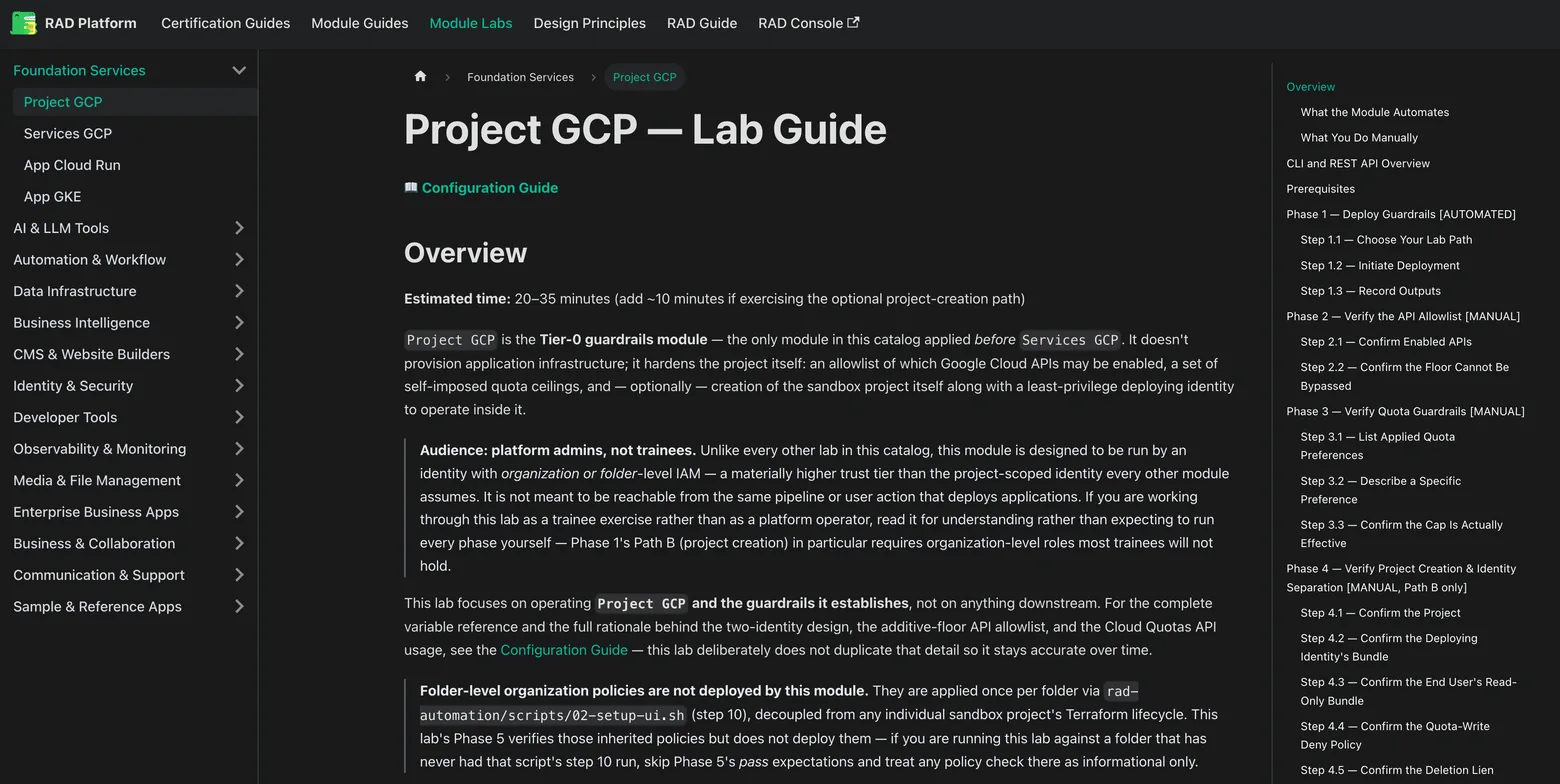
No account is needed to read one, and each names the module it deploys.
A stateful workload done properly: a StatefulSet with an SSD volume that survives restarts, single-node discovery enforced at plan time, and the endpoint another application will later consume.
A managed-container deployment of a publishing platform, for the reader who wants to see the Cloud Run operating model rather than Kubernetes. Ghost also ships as a GKE variant.
Self-hosted Git, and one half of a pair that the catalogue knows about: deployed together as a solution, Gitea's service URL is designed to be written straight into Woodpecker CI's configuration.
The reference half of the pair. If the lab is what you do, the guide is what the form is asking you.
Compute, persistent storage, secrets, ingress and image registry, each named as the specific Google Cloud service, including the ones a module deliberately does not use.
The same grouping the deployment form uses. Basic mode asks only the mandatory inputs; the full set documented here opens on update, once your credit balance covers the update's cost.
Where a module refuses an invalid combination at plan time, the guide says why: for example the heap-to-memory ratio Elasticsearch is held to, because violating it produces out-of-memory kills.
Mechanics common to every application on a given operating model — workload identity, autoscaling, ingress, backups, the deployment lifecycle — live in one foundation guide rather than being repeated 300 times.
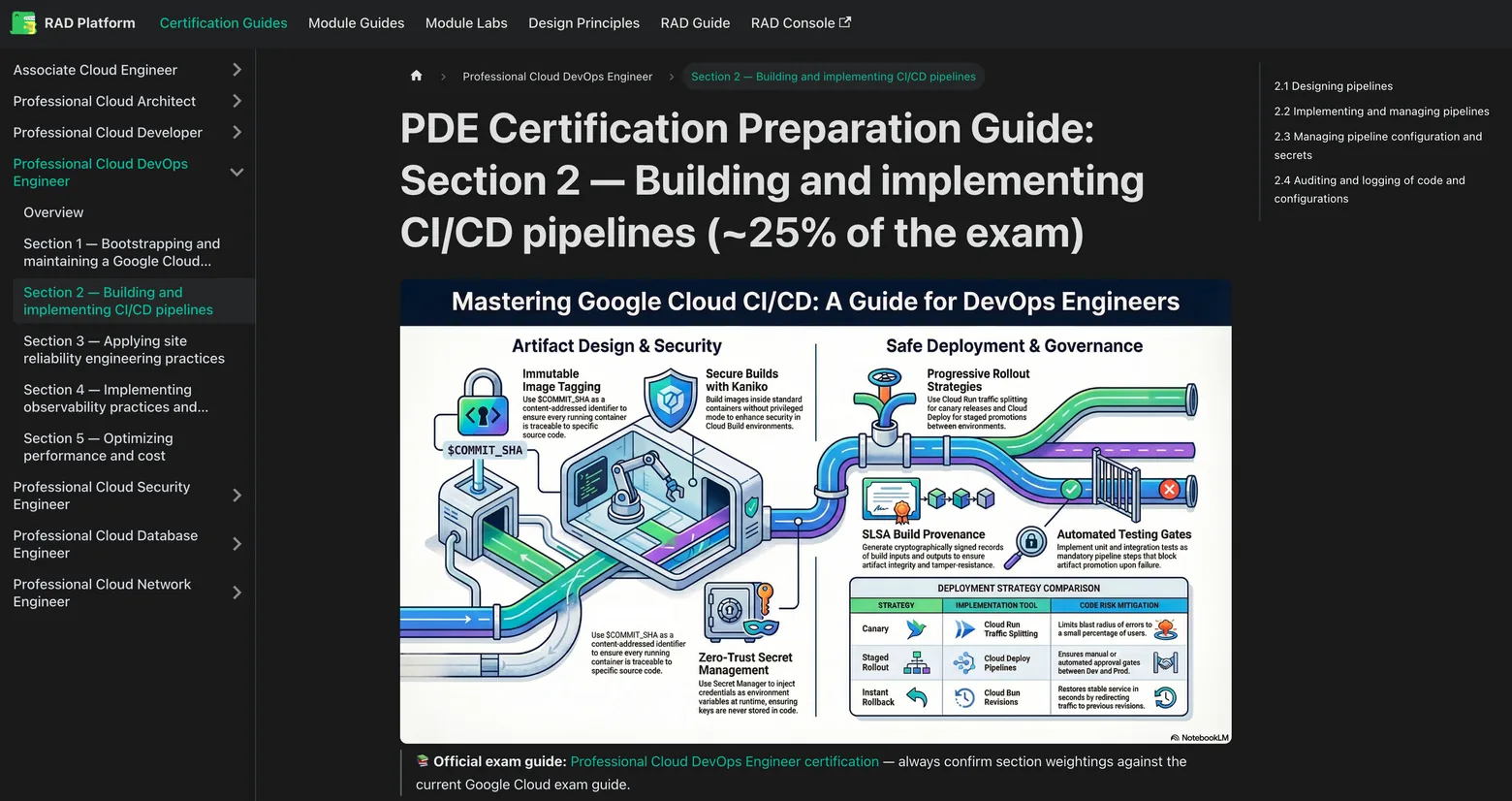
40+ study guides across seven Google Cloud certification tracks. Each track has an overview guide plus section-by-section exploration guides.
The labs carry no certification tag; the link runs from the guides to the platform. Each track's overview guide defines deployment profiles: which foundation modules to deploy and which variables to set for a given study session.
Each section guide maps one exam domain onto those settings, with the observation to make in the console and the call that confirms it. A coverage legend marks what the modules demonstrate fully, what they demonstrate partly, and what you must study elsewhere.
How to deploy, update, tear down, read build logs and understand what credits are spent on, written per role.
The shared overview: signing in, finding your way around, and the core concepts — modules, deployments, credits and billing. Start here based on your role.
Browsing the catalogue, deploying and tracking your own deployments, reading their logs, updating and tearing them down, and managing your credit balance.
For module authors: connecting your own GitHub repository, syncing your modules into the catalogue, and what happens when someone else deploys one of them.
A worked route through the self-hosted generative-AI modules: model serving, chat interfaces, gateways, retrieval pipelines and vector storage.
There are separate guides for the administrator, finance, support and agent roles, published alongside these.
The labs were written to be run by one person, and they hold up when thirty people run them at once in thirty separate Google Cloud projects.
Cohort environments are created in RAD's lab tier, which carries the tightest guardrail set: external IP addresses denied, default networks suppressed, service-account key creation blocked, and enabled services restricted to an allowlist.
Each lab states its own estimated time, and most modules build in well under half an hour. Plan the session around the provisioning wait.
A pre-composed solution deploys several applications as one dependency-ordered unit, which makes a plausible final exercise once the single-module labs are done.
Cohort provisioning shipped in August 2026 and is early access, newer than the rest of the platform. We are looking for pilot partners.

The labs and guides above are written for the person doing the work. These are written for the person choosing whether to start — the same platform, argued for one seat at a time. All open in the browser, and none is behind a form.
One reviewed catalogue in projects you already govern: the evaluation path and what a reviewer asks.
Read the brochureGetting a cohort of founders from signup to a production-shaped estate, and what it costs per company.
Read the brochureA real Google Cloud project per participant, what the lab tier restricts, and how a course is budgeted.
Read the brochureA partnership proposal: your software deployable as you publish it, with no fork, no repackage and no licence change.
Read the brochureDelivering cloud work single-handed — how a one-person practice uses the catalogue and what each deployment actually costs.
Read the brochurePackaging, pricing and selling deployment work on Fiverr, PeoplePerHour and Upwork — and using the labs as delivery checklists.
Read the brochureThere are more, covering the partner economics and the programmes built on RAD: Build a Practice That Compounds, The RAD Agent Programme, From Certified to Capable, RAD for GDG community builders, The Cloud Application Modernization Playbook, and Modernization at Scale, for partners.
Open the lab for the application you care about, then create an account. Signing up gives you 300 credits and asks for no payment method.